Support BBrain Music Player

Muziekspeler Groen 2024

On this page, we have gathered the frequently asked questions about the BBrain Music Player.

Would you like to read more about the features of the BBrain Music Player? Visit the product page.

Device

  • FM
  • DAB+
  • USB stick (for personal playlists and audiobooks)

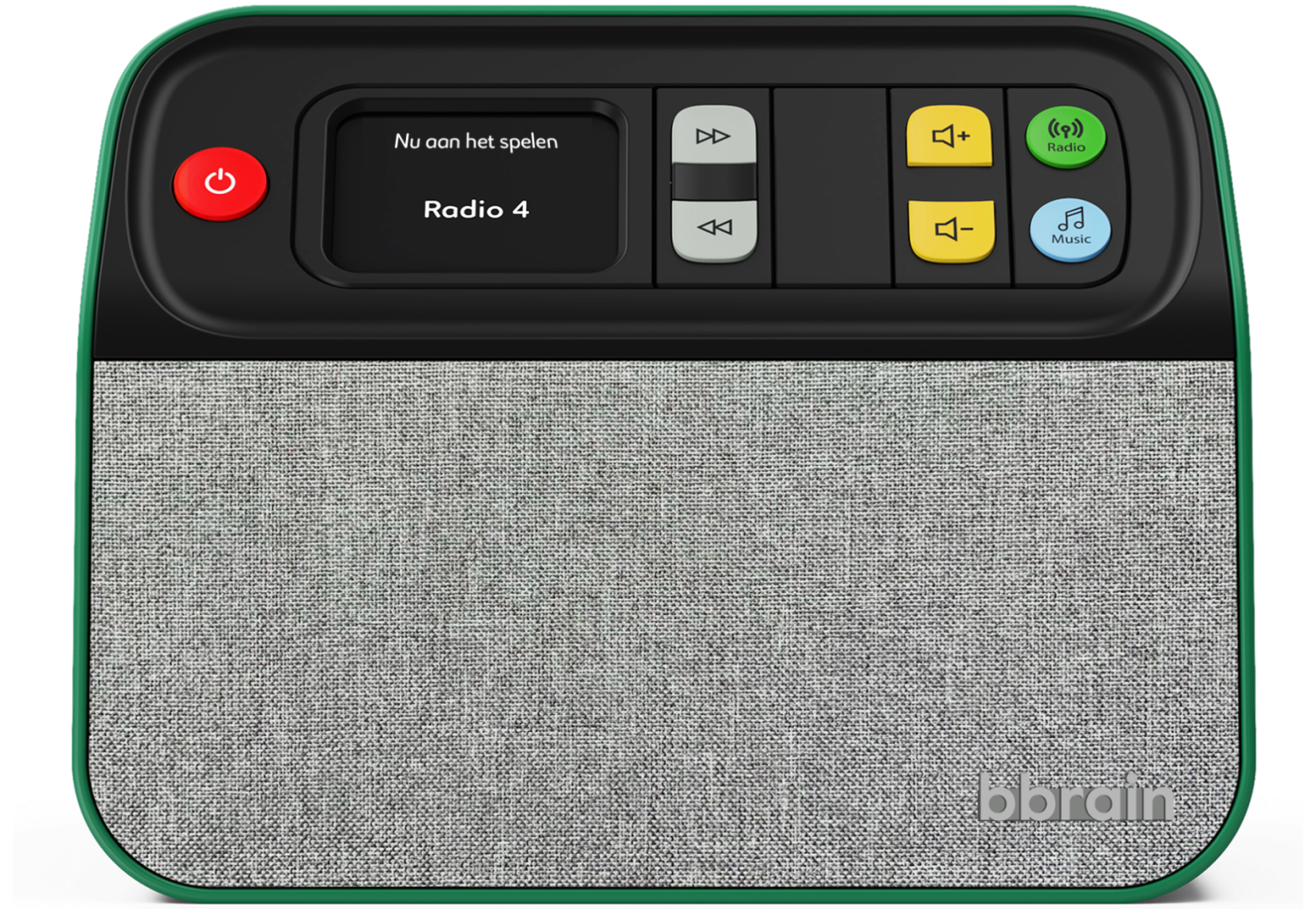
The rotating buttons are unlocked and locked using the USB slide. The USB slide has 3 positions: closed, unlocked, and open.

To adjust the control panel, follow these steps:

  1. Press the top edge of the USB slide and turn it halfway open. You will hear a click sound; the USB slide is now unlocked.
  2. To hide buttons, press the top edge of the button. To show buttons, press the bottom edge of the button.
  3. Close the USB slide; the buttons you do not want to use are now locked.
  • Fully extend the antenna.
  • Adjust the angle of the antenna from the bottom.
  • Place the music player as close to a window as possible.

Yes, you can. The BBrain Music Player has a headphone jack. Simply connect headphones with a 3.5 mm plug to enjoy music in peace.

The dimensions of the BBrain Music Player are 24 x 12.5 x 18 cm.

Power supply

You can use the BBrain Music Player with either the included mains adapter or batteries (not included).

The included adapter cord is 195 cm long.

Four AA batteries should be used.

After the BBrain Music Player has been used for 4 to 5 hours, the batteries need to be replaced. We recommend using the BBrain Music Player with the mains adapter. If you are in a situation where you do not have access to a power outlet, you can rely on the batteries.

USB stick

You always receive a free USB stick with the BBrain Music Player. If you have a universal mini USB stick, you can also use that, provided it is formatted in FAT32.

You receive a free USB stick with the BBrain Music Player. It has a memory capacity of 4 GB, allowing you to store up to 1000 songs.

To create a playlist on the USB stick, you need to transfer audio files from a computer/laptop to the USB stick. The BBrain Music Player can play files in MP3, WMA, AAC, WAV, and FLAC formats.

If you want your music files to be played in a specific order, save each file in a separate folder on the USB stick. The music player plays the folders in alphabetical order, from the number “0” to the letter “Z”.

Couldn't find the answer to your question?

We’re happy to help. You can contact us using one of the options below:

By email
Contact us at:info@bbrain.eu

By phone
Our support team is available Monday to Friday between:
09:00 – 12:00 and 13:00 – 17:00
Call us on: +31 (0)88 – 0080 130