BBrain Reminder Day Clock

Sprekende rood 2024

On this page, we have gathered the frequently asked questions about the BBrain Reminder Day Clock.

Would you like to read more about the features of the BBrain Reminder Day Clock? Then visit the product page.
 

Manual BBrain Reminder Day Clock
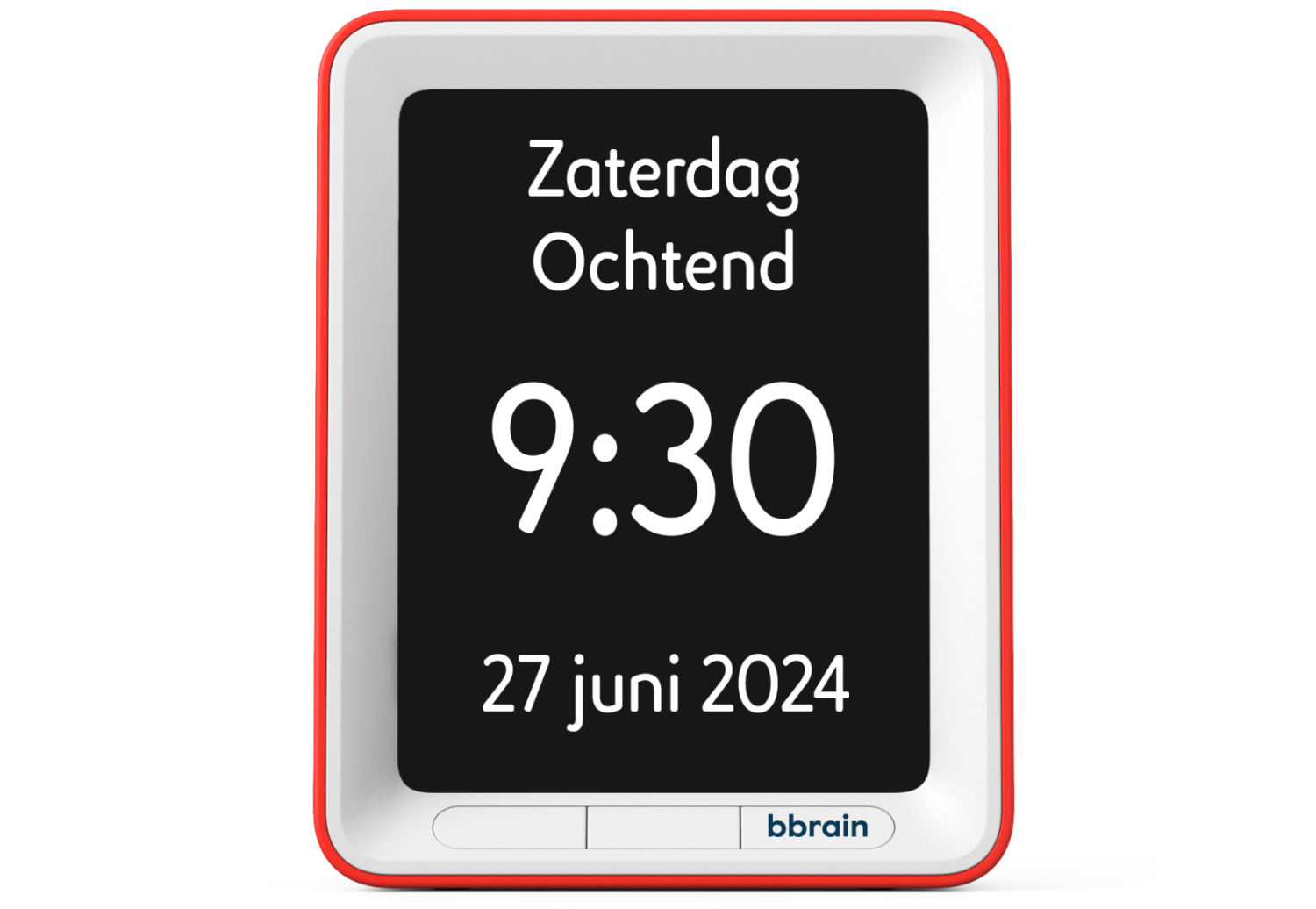
Device

  • Large text on the screen
  • Time, day (part), and reminders are spoken out loud
  • Different color contrasts
  • Various brightness levels

There is a large button on top of the clock. You can set the clock to announce the time every hour, only when the button is pressed, or both. You can also disable the talking clock function entirely.

• The talking clock may be set to announce the time every hour, and you may have set a reminder on the hour. Avoid setting reminders on the hour if the talking clock is set to announce time every hour.
• Check the settings menu to see if the talking clock function is disabled.

Since the 2023 model, the clock automatically switches between summer and winter time. For 2022 and older models, the time must be changed manually. A silver sticker with the year is located on the bottom of the clock to help you identify the model you have.

The dimensions of the BBrain Reminder Day Clock are 16 cm x 20.5 cm. The screen is 12 x 16 cm

Reminders

The BBrain Reminder Day Clock has 21 pre-programmed reminders:

Medication
  • It's time to take your tablets

Eating and drinking moments

  • It's time for your breakfast
  • It's time for your lunch
  • It's time for your dinner
  • It's time for a snack
  • Have a glass of water
  • Have a cup of tea

Care moments

  • The carer is visiting today
  • You have a doctor's appointment
  • You're going to the day centre today

Day and night rhythm

  • It's time to get up
  • It's time to go to bed
  • It's time to take a nap

Safety

  • Check that the doors are closed
  • Check if the stove is turned off

Personal hygiene

  • Do you need to use the bathroom?
  • It's time to wash yourself
  • It's time to brush your teeth

Other

  • It's time to do some exercise
  • You are having visitors today
  • Happy birthday

On the underside of the clock, you’ll see a small sticker. It includes a “batch no.” that starts with a year.

  • Older than 2024:
    • One-time
    • Daily
    • Weekly
  • 2025:
    • One-time
    • Daily
    • Weekdays (Mon to Fri)
    • Weekend (Sat and Sun)
    • Weekly

The BBrain Reminder Day Clock allows you to record voice messages to create personalized reminders. In the settings menu, select “Set new reminder.” From the list, choose “Voice message.” Using the buttons “Record,” “Stop,” “Listen,” and “OK,” you can create your personalized reminder. Each reminder can be up to 12 seconds long.

Tip: Speak close to the microphone for the clearest recording. The microphone is located on top of the clock, to the right of the button.

On the back of the clock, you will see a sticker. It includes a "batch no." that starts with a year.

  • Older than 2023: you can store up to 16 reminder alarms at the same time.
  • 2023: you can store up to 21 reminder alarms at the same time.
  • 2024: you can store up to 32 reminder alarms at the same time.

Power supply

The clock is powered using the included power adapter. It is not rechargeable and cannot be used with batteries. A built-in CR2032 battery preserves your settings when the clock is disconnected from the power supply. This means you don’t have to re-enter your settings after a power interruption.

The included power adapter for the BBrain Reminder Day Clock comes with a 200 cm (2-meter) cable.

Couldn't find the answer to your question?

We’re happy to help. You can contact us using one of the options below:

By email
Contact us at: info@bbrain.eu

By phone
Our support team is available Monday to Friday between:
09:00 – 12:00 and 13:00 – 17:00
Call us on: +31 (0)88 – 0080 130